IngramSpark is the print-on-demand and distribution platform that gets your book into bookstores and libraries worldwide. Setting up an account takes some personal and financial details, so it helps to have everything ready first.
What you need before you start
A valid email address.
A credit or debit card to keep on file for charges such as ordering copies, revision fees, and any applicable setup fees.
Bank account information or PayPal (for US publishers) for receiving royalty payments from book sales.
Your Tax ID number: your Social Security Number (SSN) for US individuals, or an Employer Identification Number (EIN) for business entities.
Step 1: Create your account
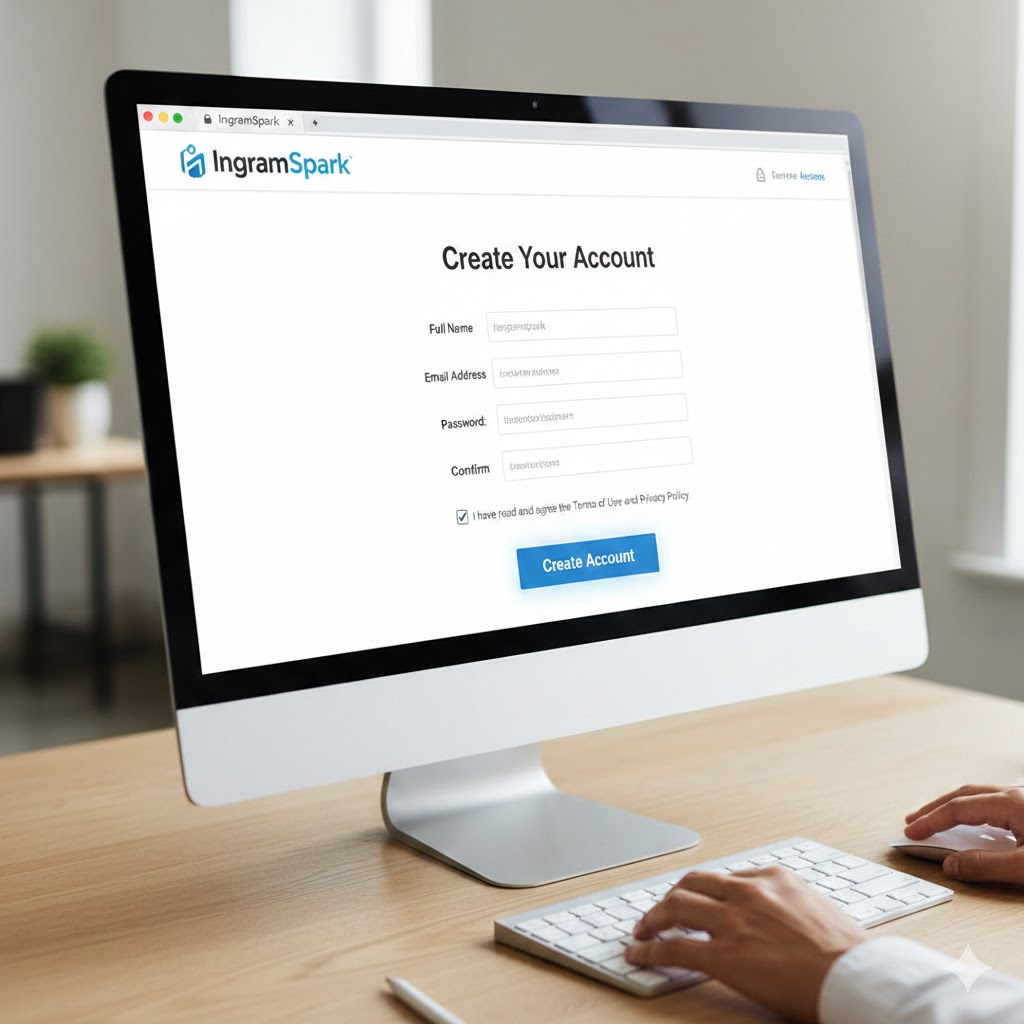
Go to the IngramSpark website and click “Create Account.”
Enter your details: your name, a valid email address, and a password.
Review and agree to the privacy policy and terms.
Click “Create Account.”
Step 2: Verify your email address
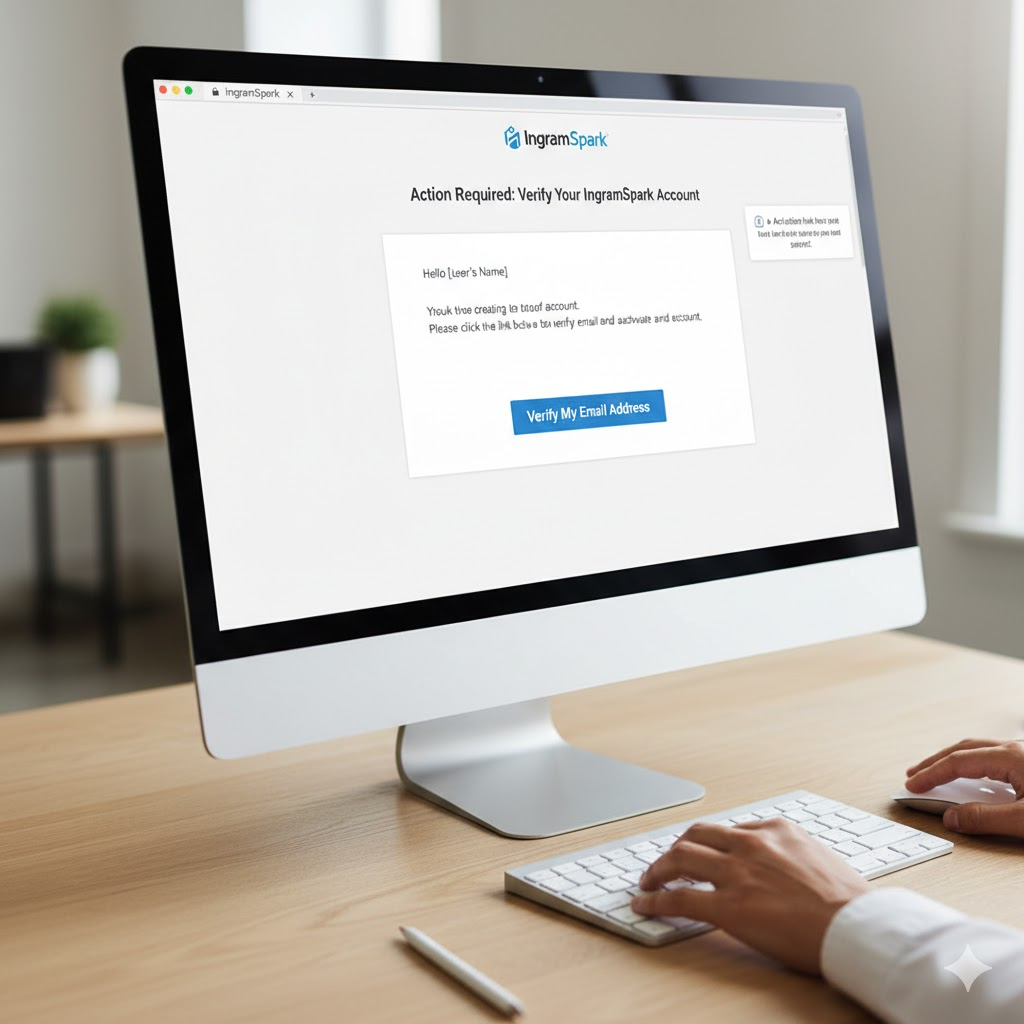
After you submit your information, a message tells you an account activation link has been sent to your email. Open your inbox, find the confirmation email from IngramSpark, and click the link to verify your account.
Step 3: Accept the policy agreements
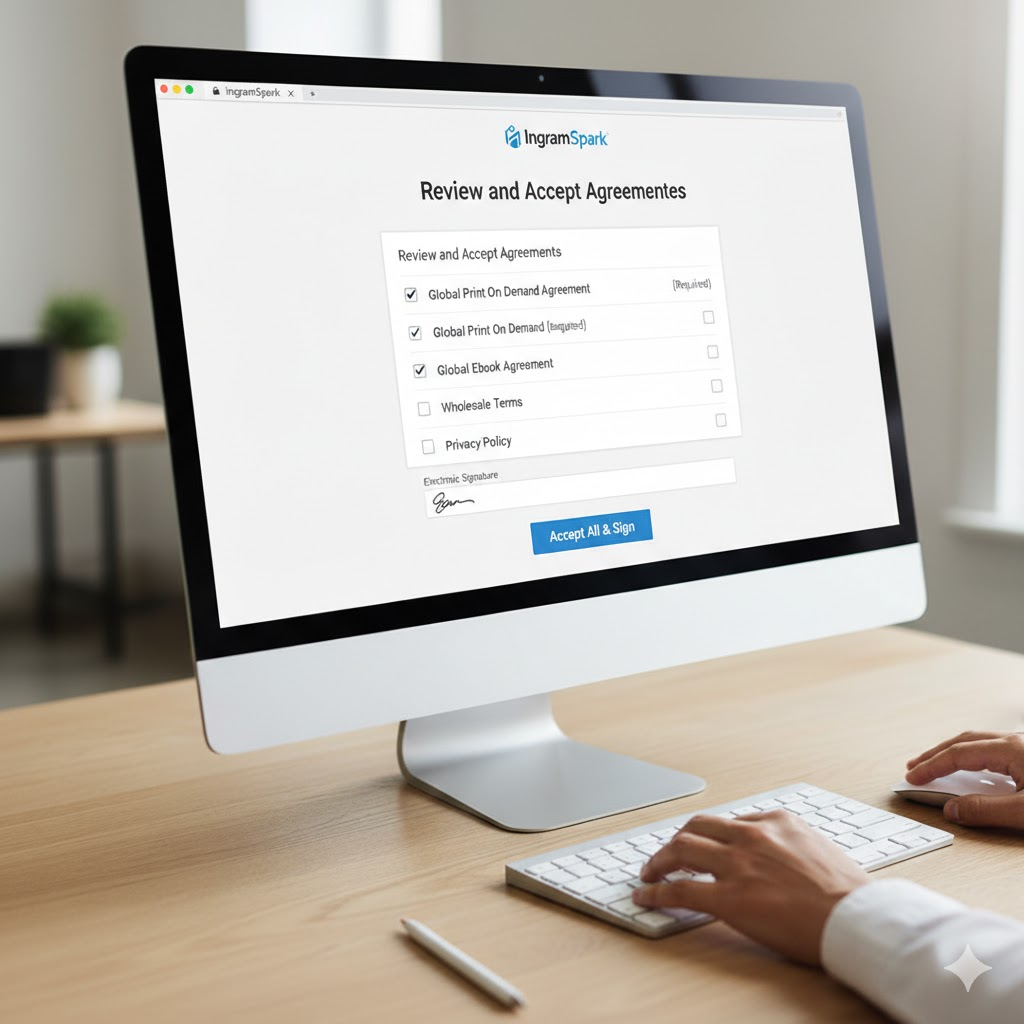
Once you’ve confirmed your email and logged back in, you’ll be asked to review and accept the Terms and Conditions and the Privacy Statement. You’ll also see a list of agreements covering Ingram’s relationships with retail partners.
Mandatory agreements: The Global POD Agreement and Global EBook Agreement are typically mandatory, and you must accept them to distribute your book globally. Other agreements may be optional and at your discretion.
After you accept the necessary agreements, you’ll be asked for an electronic signature.
Step 4: Complete your account setup information
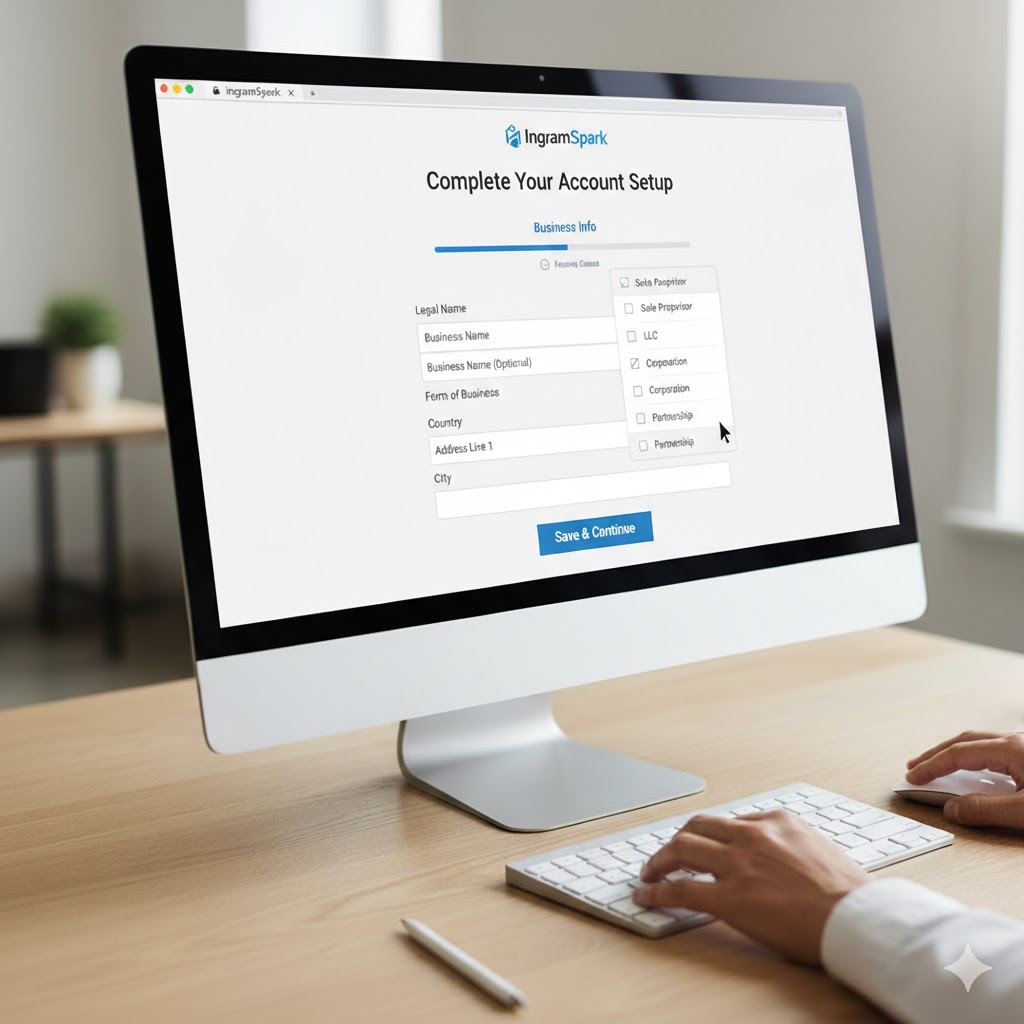
Business information
You’ll be prompted for your business information. If you don’t have a registered business, select “Sole Proprietor” as your Form of Business.
Compensation
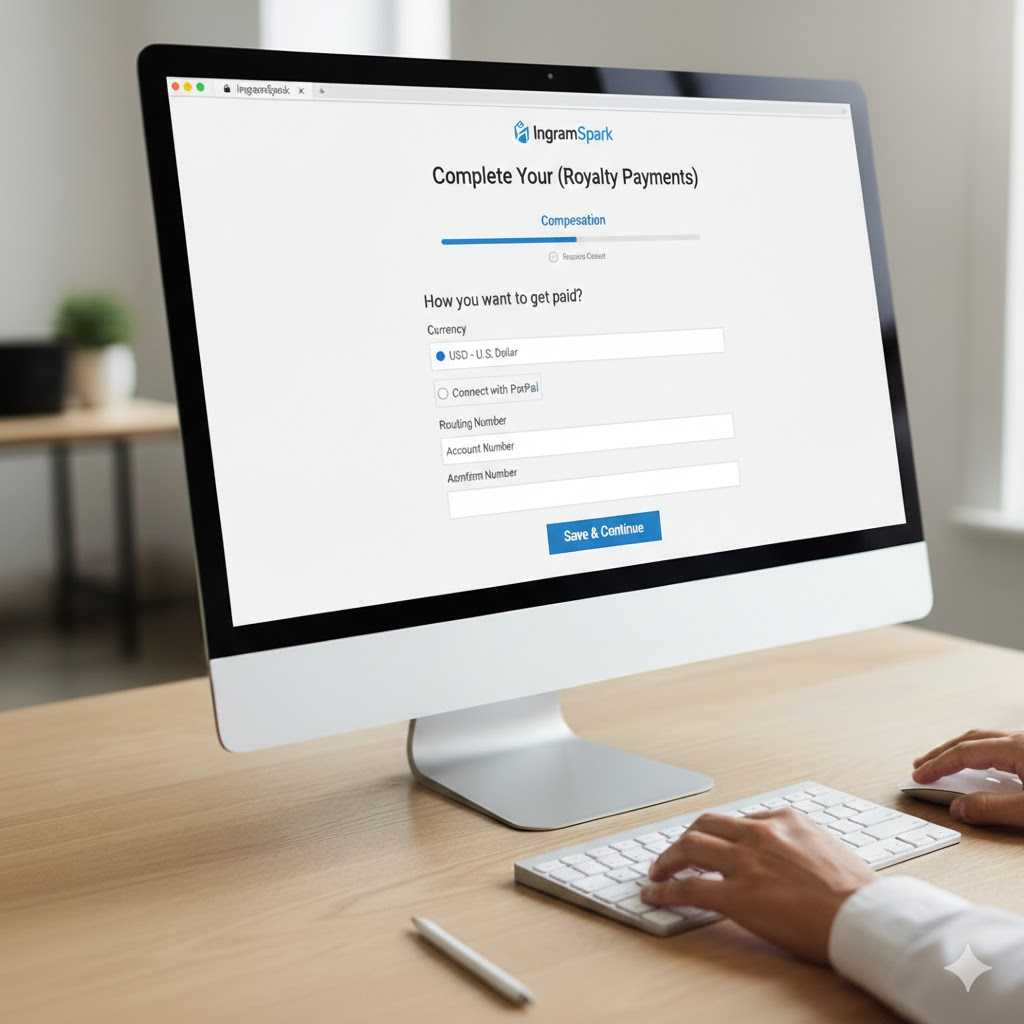
Select the currency you want to be paid in. Then enter your bank account details (routing number and account number) or connect your PayPal account to receive royalties from book sales.
Payment method (fees)
You must keep a credit or debit card on file. IngramSpark uses it to charge you for services such as ordering copies of your book, revision fees, or setup fees (if applicable).

Tax information
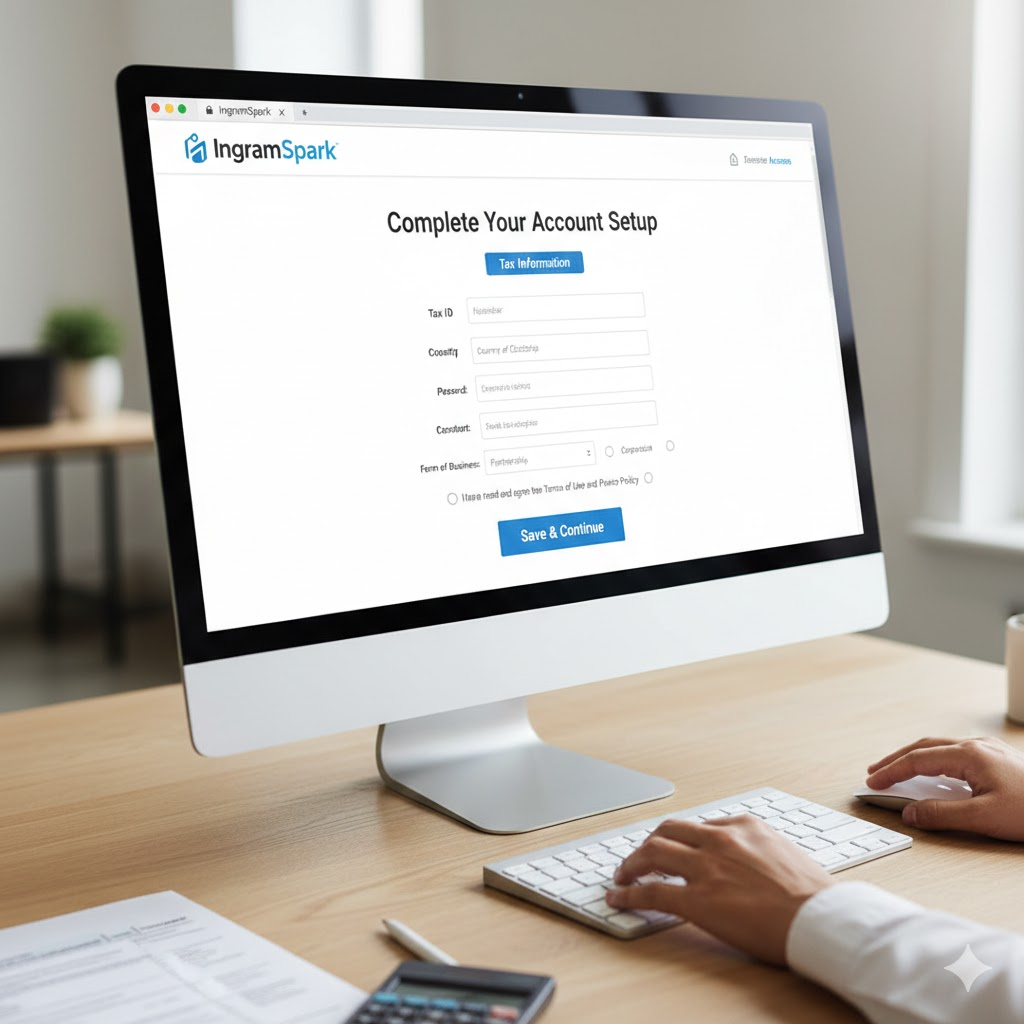
You’ll complete the required tax forms. Provide your Tax ID number (SSN or EIN), and the system generates the right tax form for your country and business status.
Step 5: Verify and finish
Your IngramSpark dashboard shows which tasks are still needed. If the button says “Set up your account,” you haven’t finished, so go back and complete any missing items. Once all the required information is in, you should see the option to “Upload a Title.”
Note: IngramSpark may take an additional 3–5 business days to process and fully validate your account before you can set up a new title, and it may ask for a government-issued ID for validation.
Common IngramSpark setup mistakes and pro tips
Leaving the account incomplete. If you see “Set up your account” instead of “Upload a Title” on your dashboard, some information is missing. Complete every section (banking, taxes, and the rest) before you move on.
Uploading files before they’re final. IngramSpark charges a fee for new file uploads after the title is set up, even for a small typo. Submit your interior and cover files only when they’re absolutely perfect.
Using a free IngramSpark ISBN. It prevents you from using your own publisher name (imprint) and can cause problems if you plan to publish the same book elsewhere, like KDP. If you’re in the US, buy your ISBNs from Bowker. Owning your ISBN gives you full control over your imprint and lets you use the same ISBN for the same format on multiple platforms (though timing your upload is still key).
Not having your tax ID ready. Keep your Tax ID (SSN, ITIN, or EIN) and banking information on hand from the start. That prevents delays and gets you ready to be paid as soon as your books sell.
Quick recap
Sign up: create an account with your name, email, and password.
Verify: confirm your email address with the link sent to your inbox.
Agree: read and electronically sign the mandatory distribution agreements.
Complete your profile: fill out your business info, royalty payment details (bank account or PayPal), and the credit card for fees.
Submit taxes: provide your Tax ID and complete the tax interview.
Wait: allow up to 3–5 business days for validation before you upload a title.
Questions?
We’re here to help with every step of your publishing journey. If you need guidance on any part of your book, get in touch.